Timber
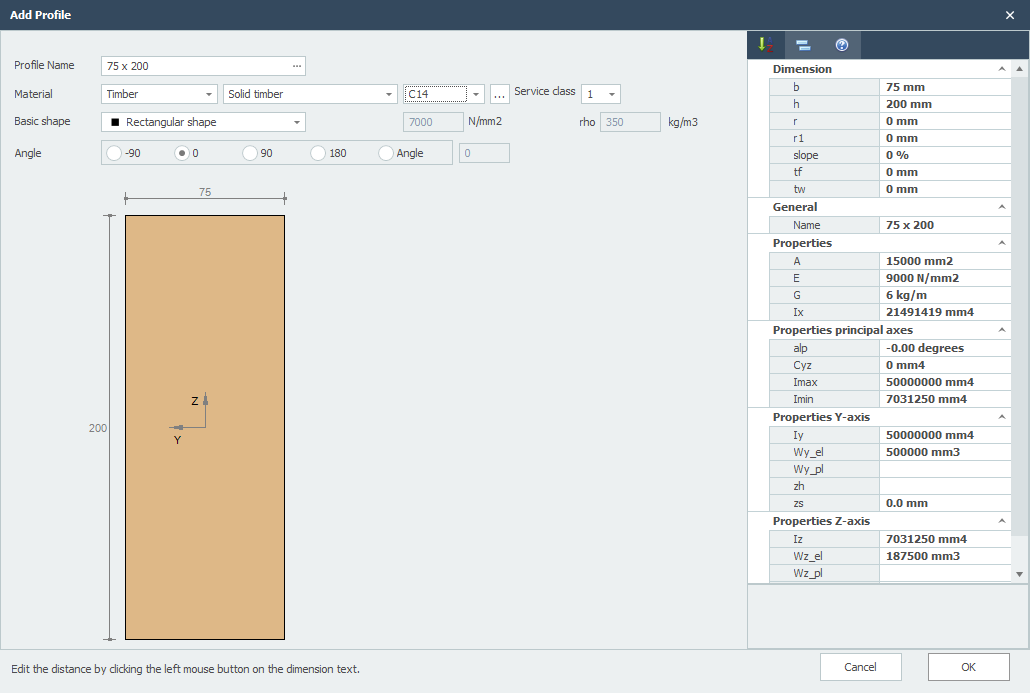
Remark: You can change the profile sizes by clicking on the concerning values in the dimension line.
Profile Name
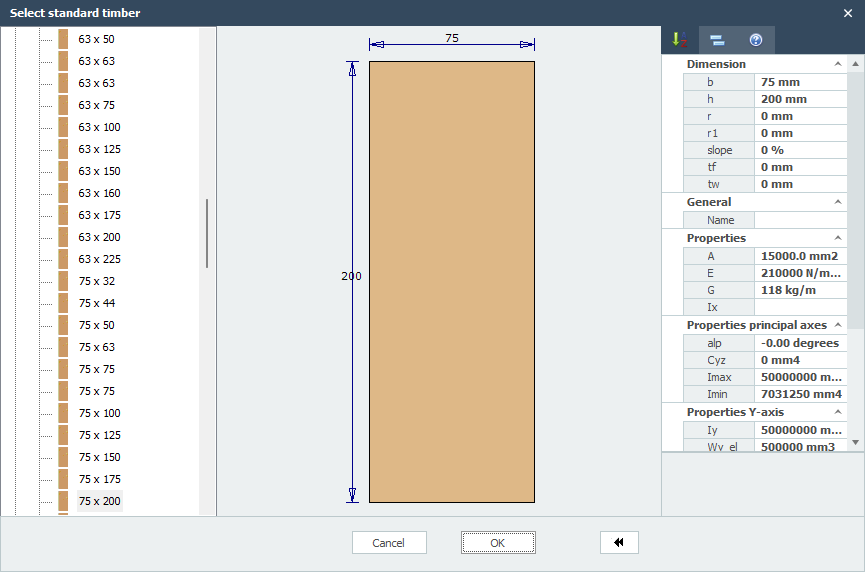
Enter the profile name or select a profile from the existing database. You can also directly type 75 x 200 or 75 x 225.
When you want to enter a known timber profile from the database, click on the 3 dots on the right side of the input field.
Material
Timber
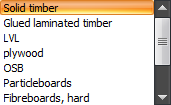
Type of Timber
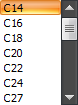
Timber Class
Climate Class

Basic Shape
You can choose from an amount of basic shapes. In this way you can make the profile yourself.
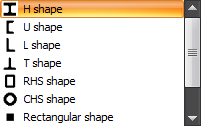
After you selected a basic shape, you can subsequently adapt all the profile sizes by clicking on the concerning values in the dimension line. You can also can adapt the profile sizes of the standard profiles in this way.
E
The elasticity modulus which is adaptable.
Angle
You can rotate the profile among an angle.