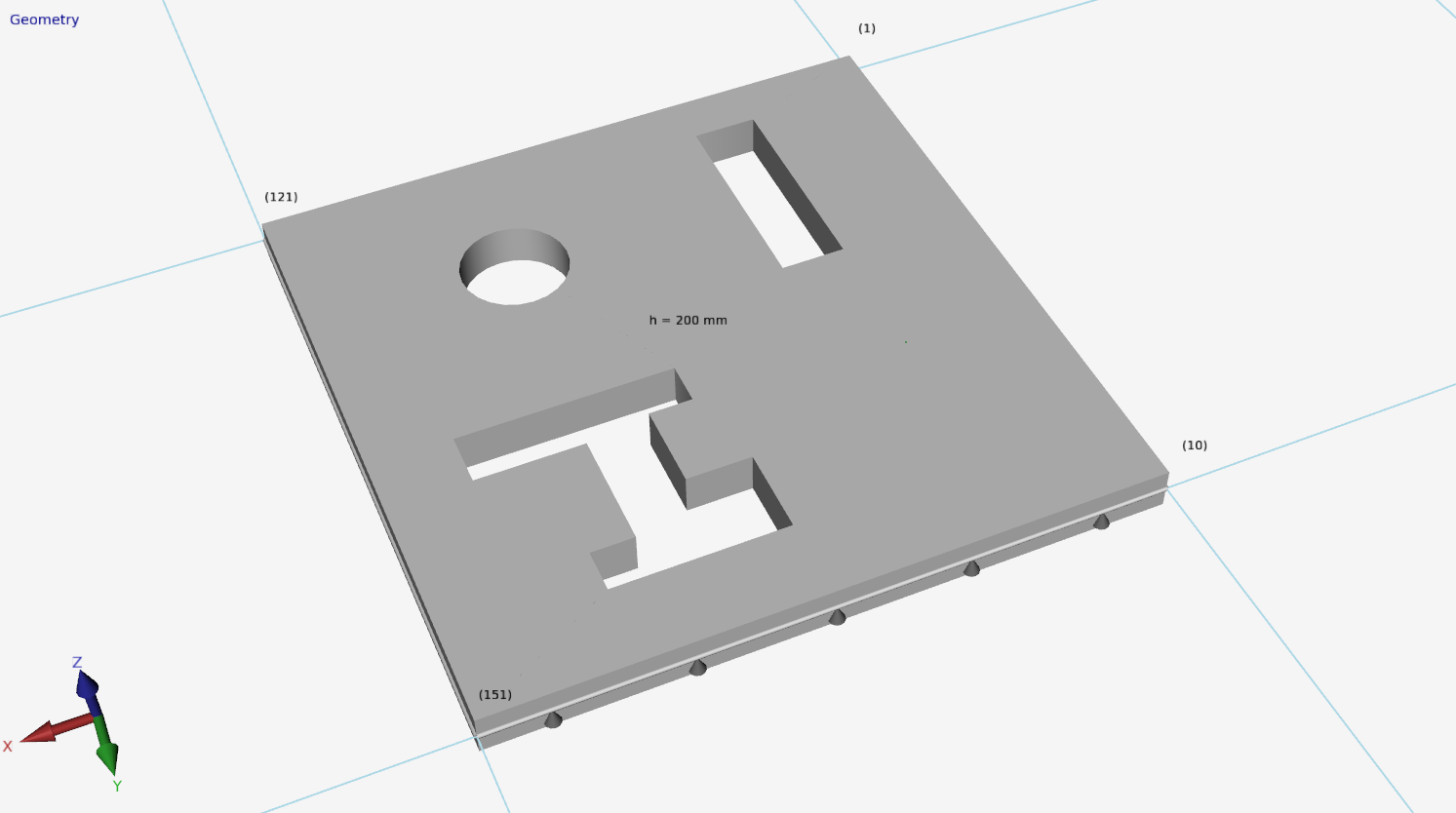
Holes in Plate
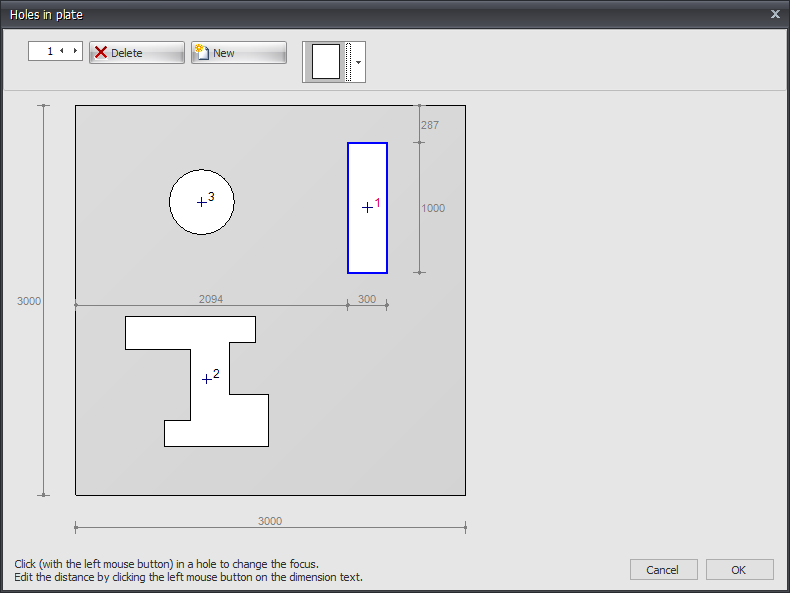
Here you can easily enter holes or openings. You can choose from a large number of basic shapes that are parameterized.
Basic Shapes

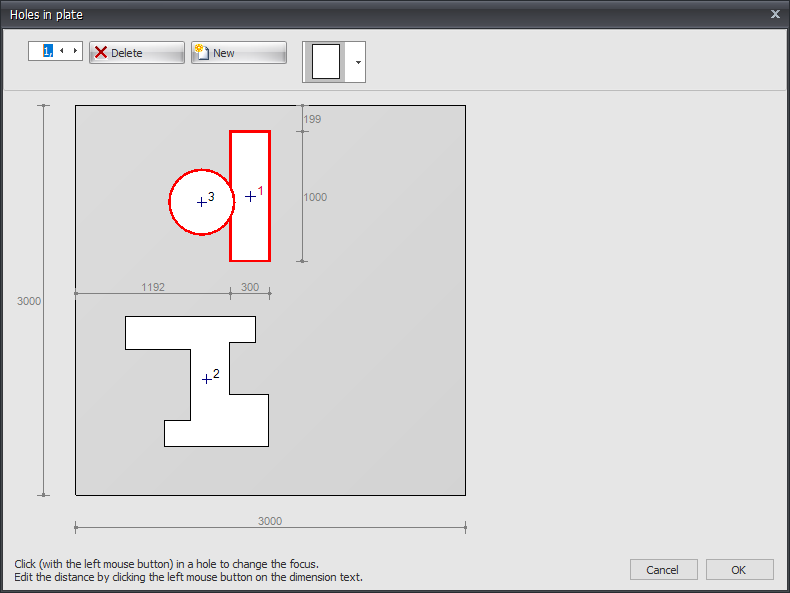
The position and dimensions of the hole or opening can be adjusted by clicking on the relevant dimension line. The focus in case of multiple holes can be changed by clicking with the left mouse button in the hole contour. If you hold down the left mouse button and move the mouse, you can move the hole graphically. It checks whether holes overlap or cut through the outer contour.
Examples
Mesh with Holes
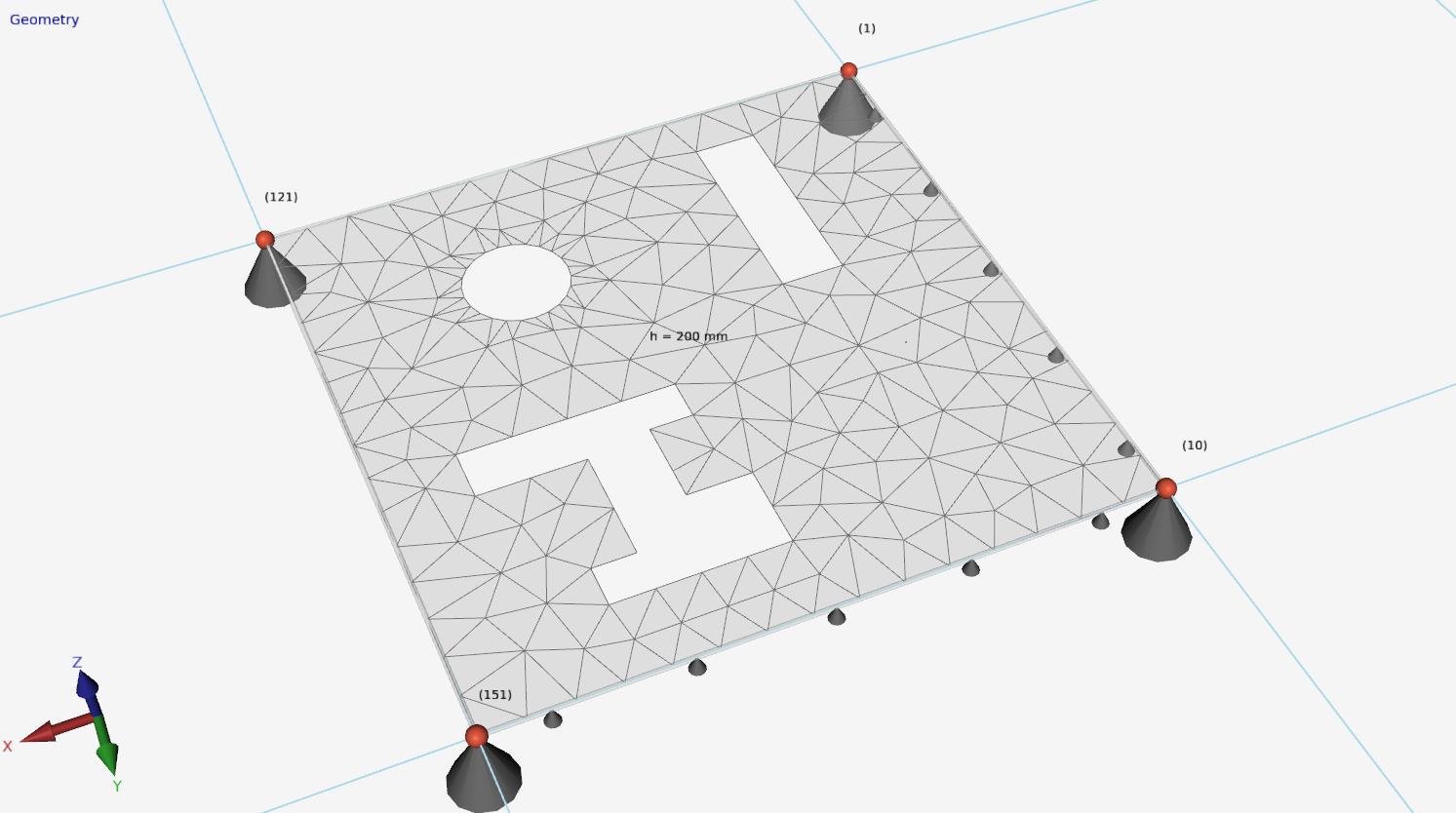
The mesh is automatically generated around the holes, ensuring proper finite element analysis.
Solid View with Holes